SDK 0.34: a Wi-Fi fast link between an iPhone and an Android phone, and a Vite starter for the browser
TL;DR
SDK 0.34.0 lets an app bring up Wi-Fi between two phones that meet over Bluetooth LE, so an iPhone and an Android phone with no shared network move large files in seconds. It also adds a Vite browser starter and React Native setup tools.
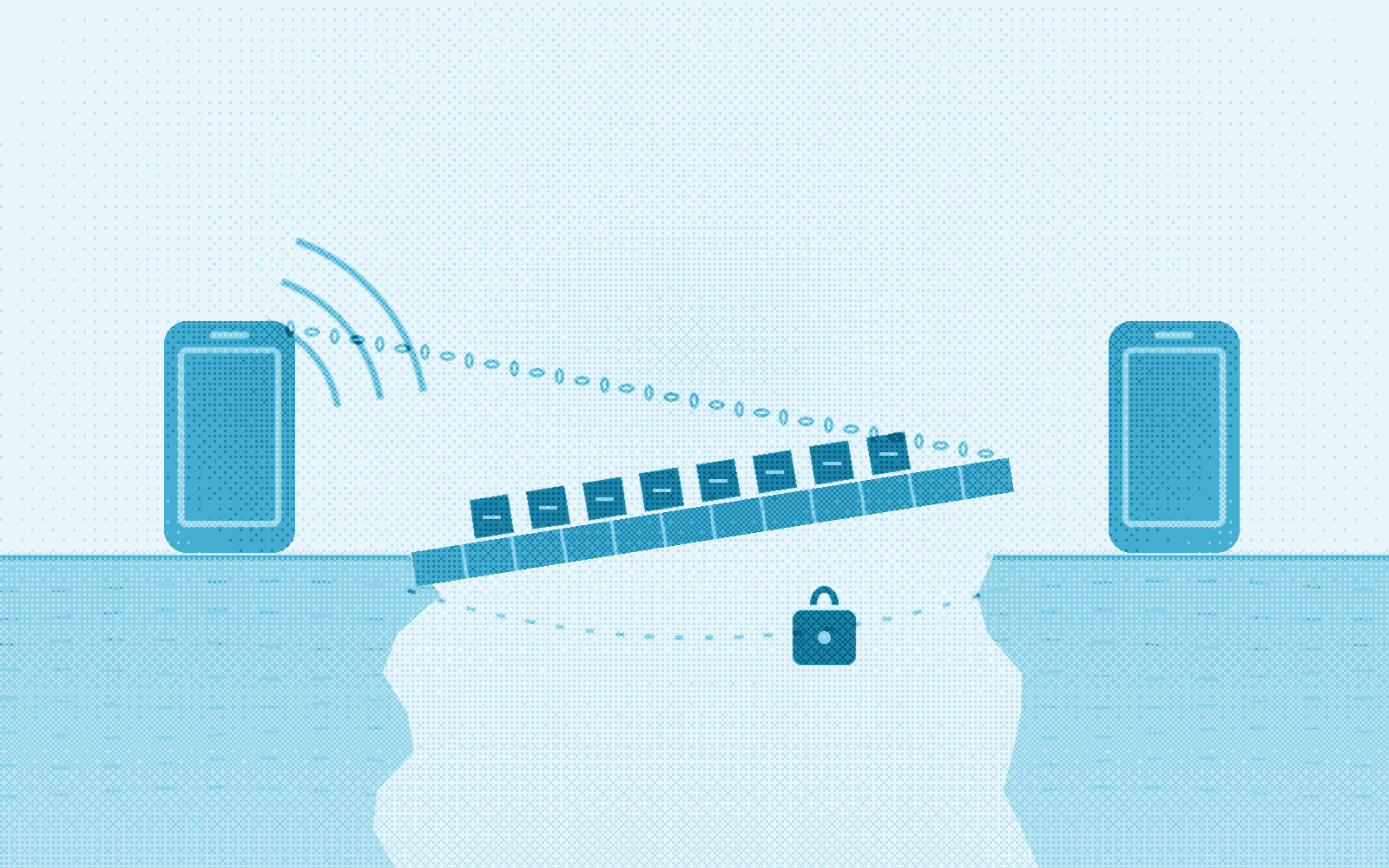
Large files, and messages too big for a Bluetooth LE link, now move between an iPhone and an Android phone that share no network. The app asks for a fast link to a peer it already reaches over Bluetooth LE, the Android phone hosts a Wi-Fi network for that one peer, and transfers move onto it.
Version 0.34.0 shipped on 19 November 2026 to npm, PyPI, crates.io, Maven Central and RubyGems, with the same engine under every binding. It also adds a Vite starter for the browser binding, helpers for reading protocol events in TypeScript, React Native presets and a project check, the SDK’s own storage for native iOS and Android apps, and guides for testing, troubleshooting and licensing.
Wi-Fi between an iPhone and an Android phone without a shared network
Two phones that meet over Bluetooth LE can bring up Wi-Fi between them when the app calls requestFastLink for a peer it has a confirmed session with. An Android phone on Android 10 or later hosts a Wi-Fi Direct group, and the engine makes its credentials fresh for every link: a random network name and a 128-bit passphrase, sealed to the peer inside their MLS session. An iPhone joins after the system’s “Wants to Join Wi-Fi Network” prompt, and another Android phone joins with no prompt. The stream over the network proves the peer’s address before it carries anything, and transport selection then moves traffic for that peer onto it.
In the SDK’s lab measurement between an iPhone and an Android phone with no shared network, a 1 MiB file took about 2.5 seconds over the fast link and 197.7 seconds over Bluetooth LE. From the tap on the iPhone’s prompt to a verified stream took 11 to 14 seconds, and Bluetooth LE carries traffic in the meantime. Messages too large for a Bluetooth LE link, above about 71 KB, travel over the fast link as well.
Bluetooth LE stays up throughout. The link ends after 60 seconds with nothing large to carry, when the iPhone app leaves the foreground, or when either side closes it, and it ends as superseded when another connection, such as a shared home network, reaches the peer first and carries the traffic instead. While the link lasts, the iPhone is on the Android phone’s network rather than its own Wi-Fi, which is why the app decides when a transfer calls for one.
Fast link setup in React Native and Flutter
With the wifiDirect transport on in both apps, one call asks for the link and fast_link_changed events report its progress:
protocol.on('fast_link_changed', async (event) => {
  if (event.peer_id === peerAddress && event.state === 'up') {
    // A transfer keeps the carrier it starts on: send once the link is up.
    await protocol.sendFileFromPath({
      recipient: peerAddress,
      filePath,
      fileName: 'site-survey.mp4',
    });
  }
});

await protocol.requestFastLink(peerAddress);
Each event carries the peer, this device’s role (host or join), the state (requested, hosting, offered, joining, up or closed) and, on closed, a reason such as declined, idle or background. closeFastLink(peerAddress) ends a link early. Flutter apps call MeshSdk.requestFastLink and closeFastLink and receive the same events.
An iPhone app adds the Hotspot Configuration capability to its entitlements and keeps its local-network keys; it needs no location permission. An Android app uses the Wi-Fi Direct grants it already requests, NEARBY_WIFI_DEVICES on Android 13 and later or fine location on 12 and lower. wifiDirect.fastLink sets how far an app takes part: 'any', the default, also hosts for a peer’s request and joins an offer it did not ask for, 'requestedOnly' takes part only in links the app requests, and 'off' takes part in none. The mobile permissions guide and ADR 0038 have the full design.
Faster file transfer over Wi-Fi peer streams
A file sent over a peer stream now keeps 512 KiB in flight, eight 64 KiB chunks instead of four of 32 KiB. With the old window, a 1 MiB file over a fast link took 8 seconds, spent waiting on acknowledgements rather than on the link; with the new one it takes about 2.5. Every peer-stream carrier gets the larger window: a fast link, a Wi-Fi Direct group, a shared LAN and AWDL. Bluetooth LE, internet and Nostr transfers keep their chunk sizes, and a receiver on an earlier release accepts the larger chunks.
Offline Protocol in the browser with Vite
The experimental browser binding has a Vite starter in bindings/web/starter. Build the WebAssembly module once from a checkout of the SDK, then run the starter:
cargo install wasm-bindgen-cli --version 0.2.105 --locked
rustup target add wasm32-unknown-unknown
bash bindings/web/scripts/build.sh
cd bindings/web/starter && npm ci && npm run dev
Open the local URL in two tabs. Each tab runs a full node in a module worker: it shows its off1… address, discovers the other tab, opens an MLS session and sends encrypted messages. The starter keeps storage in memory, so each tab acts as a separate device, and its README compares the browser binding with React Native and Flutter. For durable storage and WebRTC between devices, examples/web-lobby is the next step.
Parsing protocol events in TypeScript
OfflineProtocol.on(...) already parses events for you. Code that reads an event’s raw JSON itself, for logging, a relay tap or a test, can now check it with the same rules the engine uses:
import { parseProtocolEvent } from '@offline-protocol/mesh-sdk';

const parsed = parseProtocolEvent(eventJson);
if (parsed.ok) {
  console.log(parsed.event.type);
}
parseProtocolEvent checks the JSON, its shape and that its type is one the package knows. tryParseProtocolEvent returns null instead of an error, narrowProtocolEvent narrows an event by its type, and PROTOCOL_EVENT_TYPES lists every event the package declares. For typed payload fields, keep using on(...).
React Native configuration presets and project checks
forScenario builds a working configuration from a named preset, and overrides adds what only your app knows:
import { OfflineProtocol, forScenario } from '@offline-protocol/mesh-sdk';

const config = forScenario('proximityMesh', { appId: 'my-app', profile: 'default' });
const protocol = new OfflineProtocol(config);
The presets are localBle (Bluetooth LE only), proximityMesh (Bluetooth LE and Wi-Fi Direct), internetRelay (Bluetooth LE and the relay, with your serverAddress), nostrMesh (Bluetooth LE and Nostr, with your relayUrls) and developmentCleartext, a lab-only preset with encryption off. Every other preset keeps encryption required, and forScenario throws rather than return a relay or Nostr configuration that start() could not connect.
npx --no-install mesh-sdk-doctor reads the app’s project files for known host mistakes: Expo without expo-dev-client, a leftover pod 'MeshSdk' line, the old simulator and device archives or their linker settings, and a hand-copied liboffline_protocol_uniffi.so under jniLibs. Inside Expo Go, the native module’s load error now says that Expo Go cannot load it. With devTransportDiagnostics, on under __DEV__, a development build turns known transport conditions into one-time console hints that link to the troubleshooting guide, such as a Wi-Fi Direct group still forming at one, two and four minutes.
Native iOS and Android storage
Native apps on the Swift package or the Android library get the storage React Native uses. OfflineProtocolReferenceStorage opens the Keychain or Keystore MLS store and the app-container protocol-state store for one (appId, profile) account and hands both to initializeMls, and its wipe erases one account on sign-out. React Native opens and wipes its storage through the same code. For a custom backend, StorageConformance.run runs the protocol-state conformance suite and returns a typed report of each check; a green report defines a supported backend.
Two helpers speed up a first native build. OfflineProtocolDevelopmentCleartextConfig builds the lab-only configuration React Native’s developmentCleartext preset reaches, and OfflineProtocolEncryptFailedDiagnostics logs the fix for a send refused because MLS was never initialized. On Android, a JNI names guide and a check script cover the native library’s file name and which package to import each type from, and the native iOS distribution guide gives one install path, the OfflineProtocolSDK Swift package, with the call order that starts an engine on it.
Testing on simulators and physical devices
The SDK’s integration testing matrix sets out what each kind of test proves. Simulators and emulators cover the wiring: mesh-sdk-doctor, a native build that reaches start(), and the package’s JavaScript tests. Bluetooth LE discovery, encrypted messages and Wi-Fi Direct need two physical phones with the same appId, and the browser binding needs two real devices on one network. The matrix names a golden path for each platform, starting with the React Native example app on two phones.
The transport troubleshooting guide covers what looks like a fault and is not. A Wi-Fi Direct group between two Android phones formed in 18 to 225 seconds in measured runs, with a median near one minute, while Bluetooth LE kept carrying traffic. Several SDK apps on one phone share one Bluetooth service and tell their own peers apart by appId. Questions the guides do not answer go to the developer Discord, now linked from the SDK README.
AGPL or commercial license for the Offline Protocol SDK
A license decision tree in the SDK repository settles which license fits in four questions, asked in order:
- Can the whole product be AGPL-3.0-only, with its source offered to everyone who receives it?
- Does it ship on the Apple App Store?
- Does it ship as a proprietary app on Google Play or another store?
- Will remote peers use a build with a modified SDK?
An App Store app, a proprietary store app, a product that cannot offer its source to its users, and a modified SDK whose remote peers cannot be offered its source take the commercial license; the rest use AGPL-3.0-only. Each package README now links to the tree, and the licensing FAQ gives the reasoning behind each answer.
Flutter and Python updates
- Flutter. On Android the plugin now logs an account that started from a fresh MLS identity, as it already did on iOS. The plugin is a preview, added as a path dependency on a checkout of the SDK at
v0.34.0. - Python.
offline-protocol-servicerefuses a bad socket path in one line, withSocketPathErrorand the fix, and a program now exits cleanly at interpreter shutdown, including programs that use LAN discovery.
Upgrading to SDK 0.34
Nothing is removed from any binding. What to check:
- Event switches: an exhaustive TypeScript
switchover events needs afast_link_changedcase. Rust code that matches everyEventneedsFastLinkChanged, and a fullKeyPackagePayloadliteral needslink_versions. - Fast links from peers: an app with Wi-Fi Direct on takes part in a peer’s fast link by default, so on an iPhone a peer’s offer shows the join prompt. Set
wifiDirect.fastLinkto'requestedOnly'to take part only in links your app requests, or to'off'. - Reserved prefix: a send whose content starts with
__FAST_LINK__is refused withInvalidArgument. - Tests: a hand-written Swift or Kotlin fake of the engine interface needs the six new fast link methods, and a suite that fails on
console.warnsetsdevTransportDiagnostics: false.
The full list is in UPGRADING §32.
npm install @offline-protocol/mesh-sdk@0.34.0
pip install offline-protocol-sdk==0.34.0
gem install offline_protocol -v 0.34.0
Get the packages from npm, PyPI, RubyGems, crates.io or Maven Central, read the source on GitHub, or talk to us about running it on your devices.
Frequently asked questions
Which phones can host a fast link?
An Android phone on Android 10 or later hosts it, and an iPhone or another Android phone joins it. Two iPhones that share a Wi-Fi network already reach each other over the peer stream on that network.
Is traffic over the fast link encrypted?
Yes. The network is WPA2 with a fresh 128-bit passphrase that travels only inside the two phones' MLS session, the host admits only the peer it invited, and messages and files on it stay end-to-end encrypted with MLS as on every other carrier.
Do both phones need SDK 0.34 for a fast link?
Yes. A phone offers a fast link only to a peer whose key package advertises support for it, so a peer on an earlier release is never asked. A receiver on an earlier release still accepts the larger 64 KiB chunks.
Is the Offline Protocol Flutter plugin on pub.dev?
Not yet. Flutter apps add the plugin as a path dependency on a checkout of the SDK repository at the release tag, v0.34.0 for this release.
Where can I ask questions about the Offline Protocol SDK?
In the developer Discord, linked from the SDK README, where developers ask about integrations, transports and releases. Bugs and feature requests go to GitHub issues, and security reports follow the repository's security policy.